How to use ByOne

Booking a session, or hosting your own one-to-one meetings, step by step and in pictures

1

Sign up and sign in

On the sign-in page, enter your mobile number or email address. You can sign in with a one-time code or a password, and signing in with Google or LinkedIn is available too. If you do not have an account yet, the same flow completes your registration.
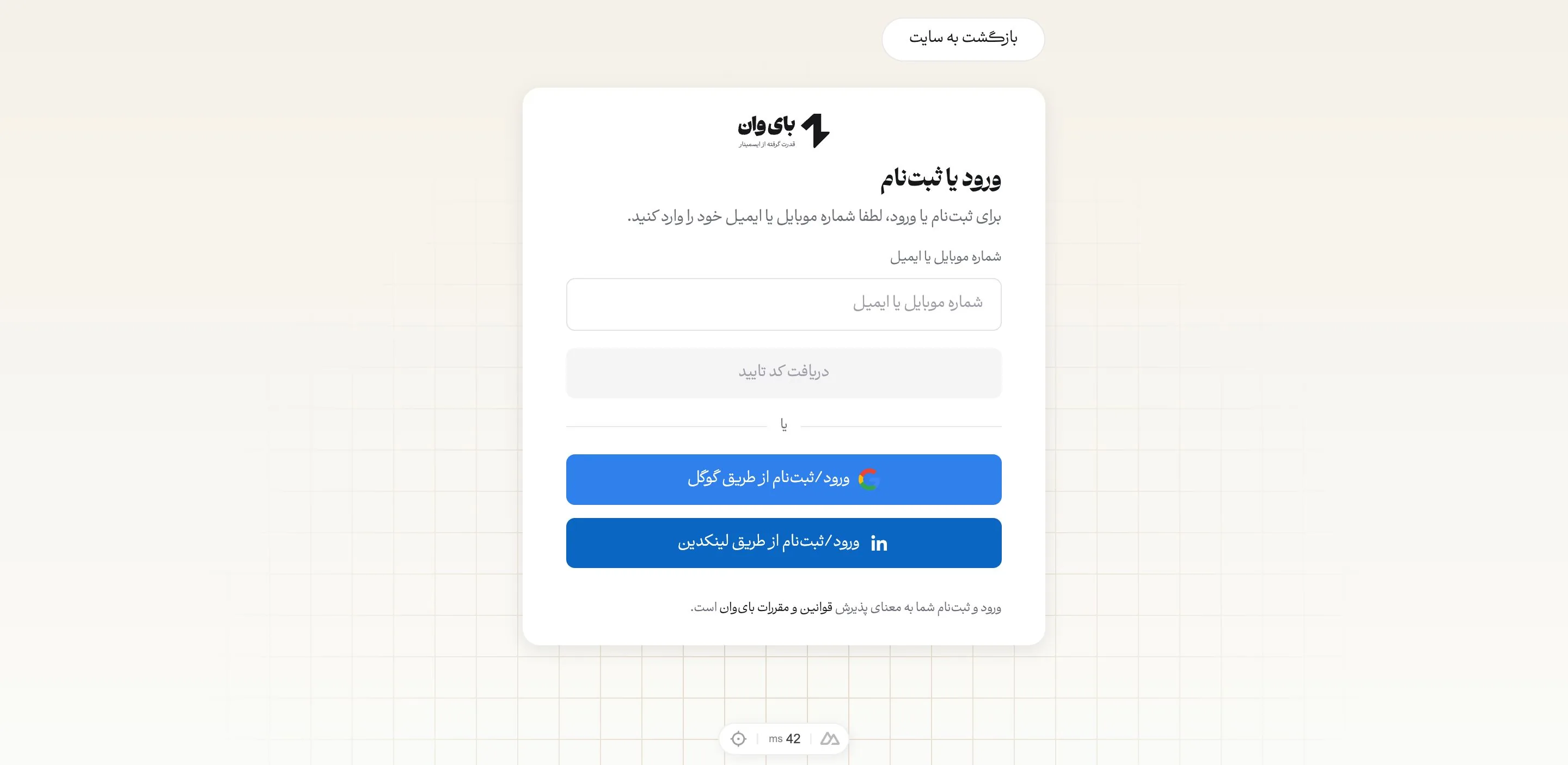
The ByOne sign-in and sign-up page
2

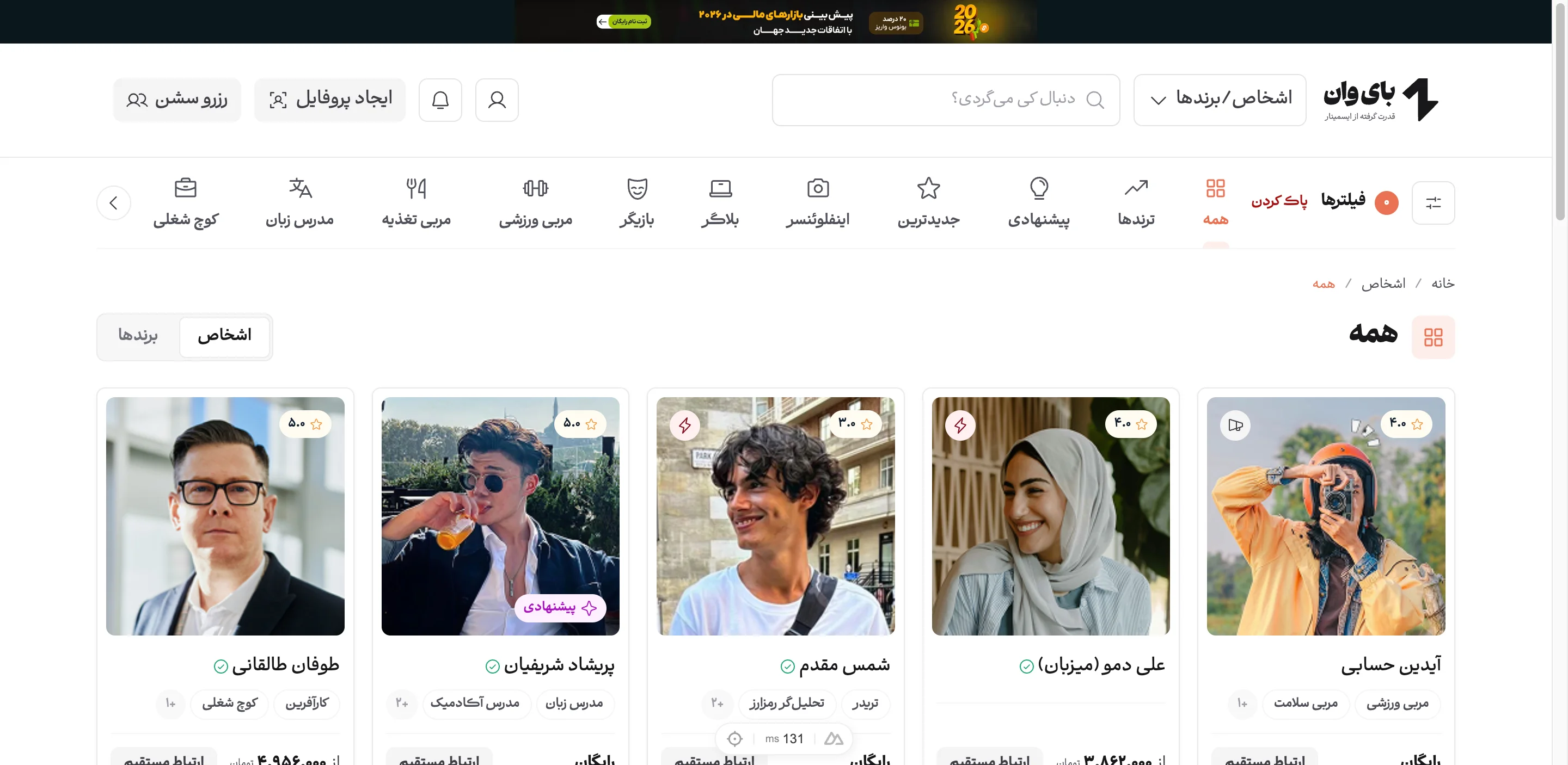
Search for and choose a host

Find the host you want from the People or Brands section. Categories and filters such as country, language, gender and rating let you narrow the results, or you can search directly from the top of the site.

The people listing with categories and filters
3

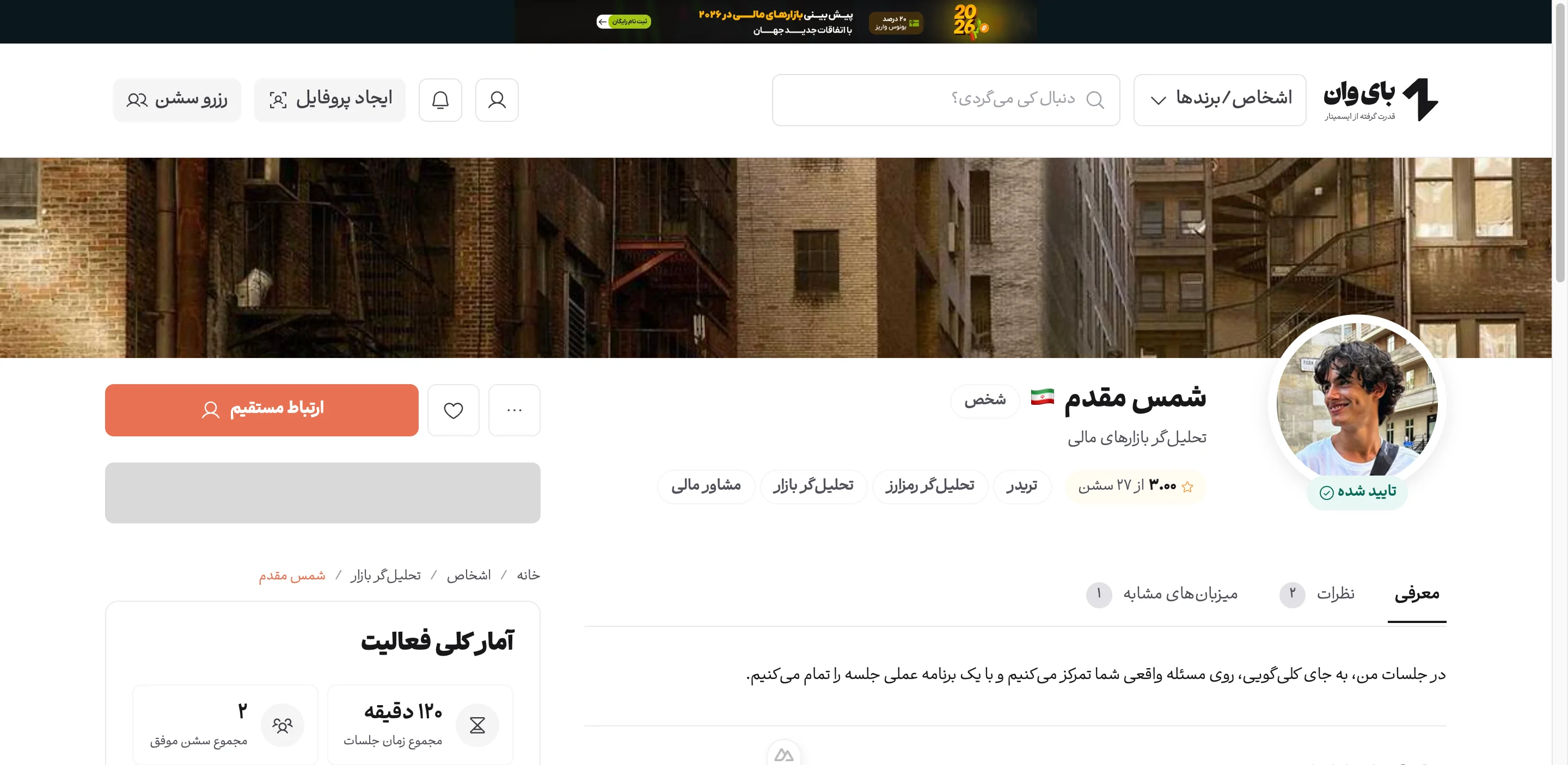
Review the host's profile

The profile page shows the host's introduction, their activity statistics, feedback from previous participants and the list of their active sessions. The duration, capacity and price of each session (free or paid) is shown alongside it.

A host profile page with active sessions
4

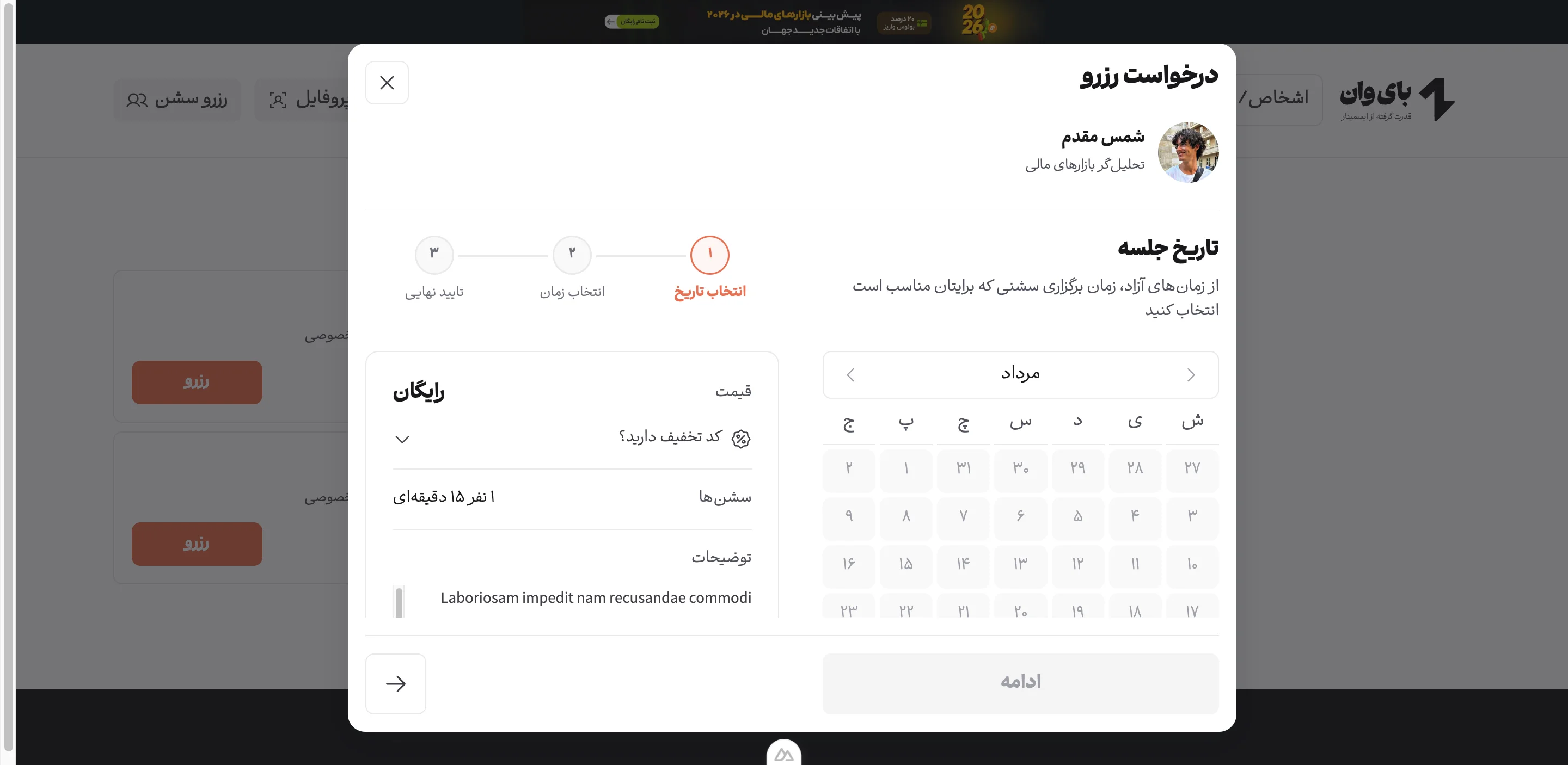
Book a session

Press Book or Direct contact to open the booking request window. Booking takes three steps: choose a date, choose a time from the host's free slots, and confirm. If you have a discount code, enter it in the same window. Paid sessions are paid from your wallet or through the payment gateway.

The booking request window with the date and time steps
5

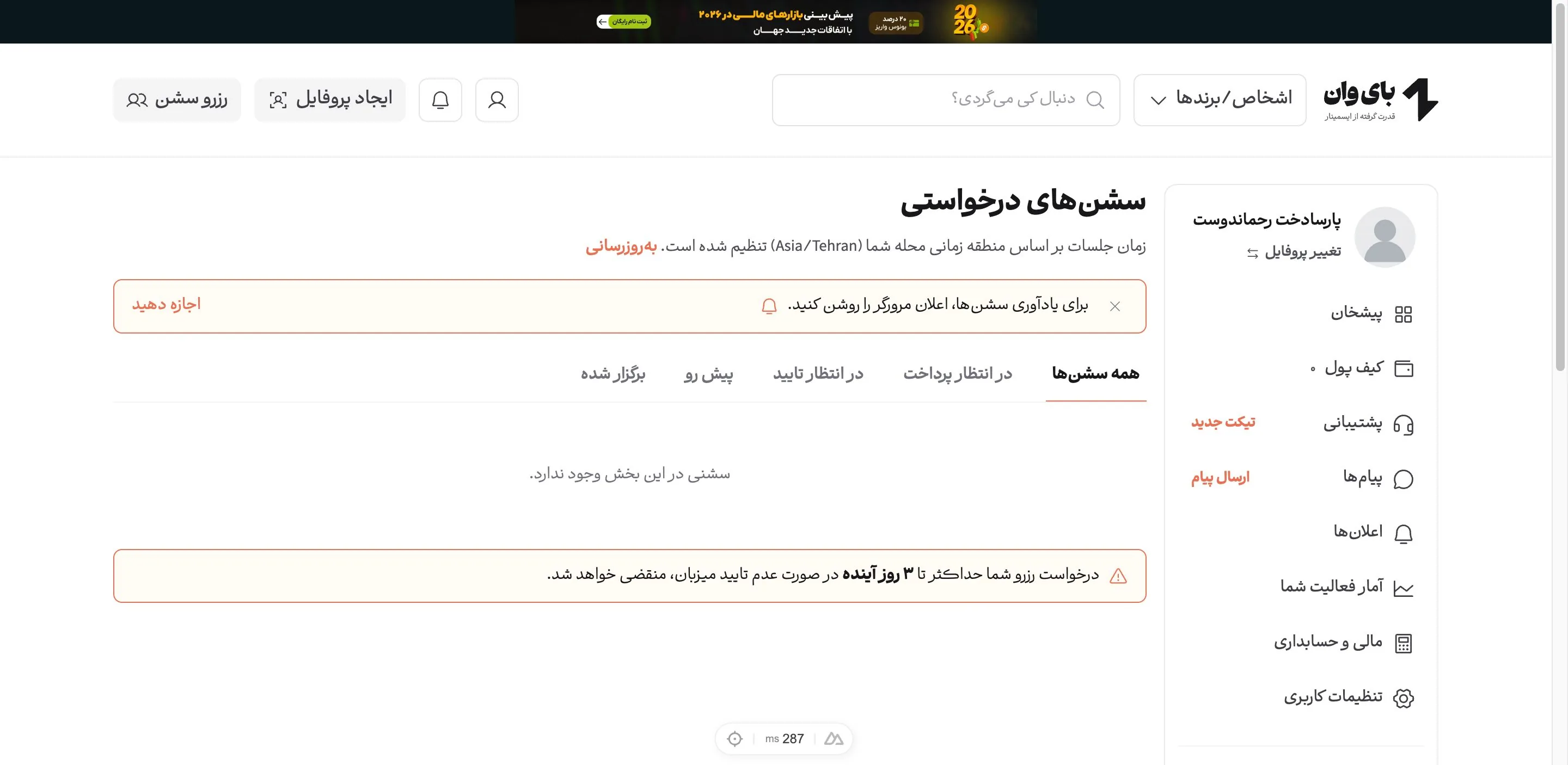
Track your requested sessions

Once your request is placed, follow its status from your dashboard and the Requested sessions area. Your request becomes final once the host approves it, and you will be told through notifications.

The requested sessions list in the user panel
6

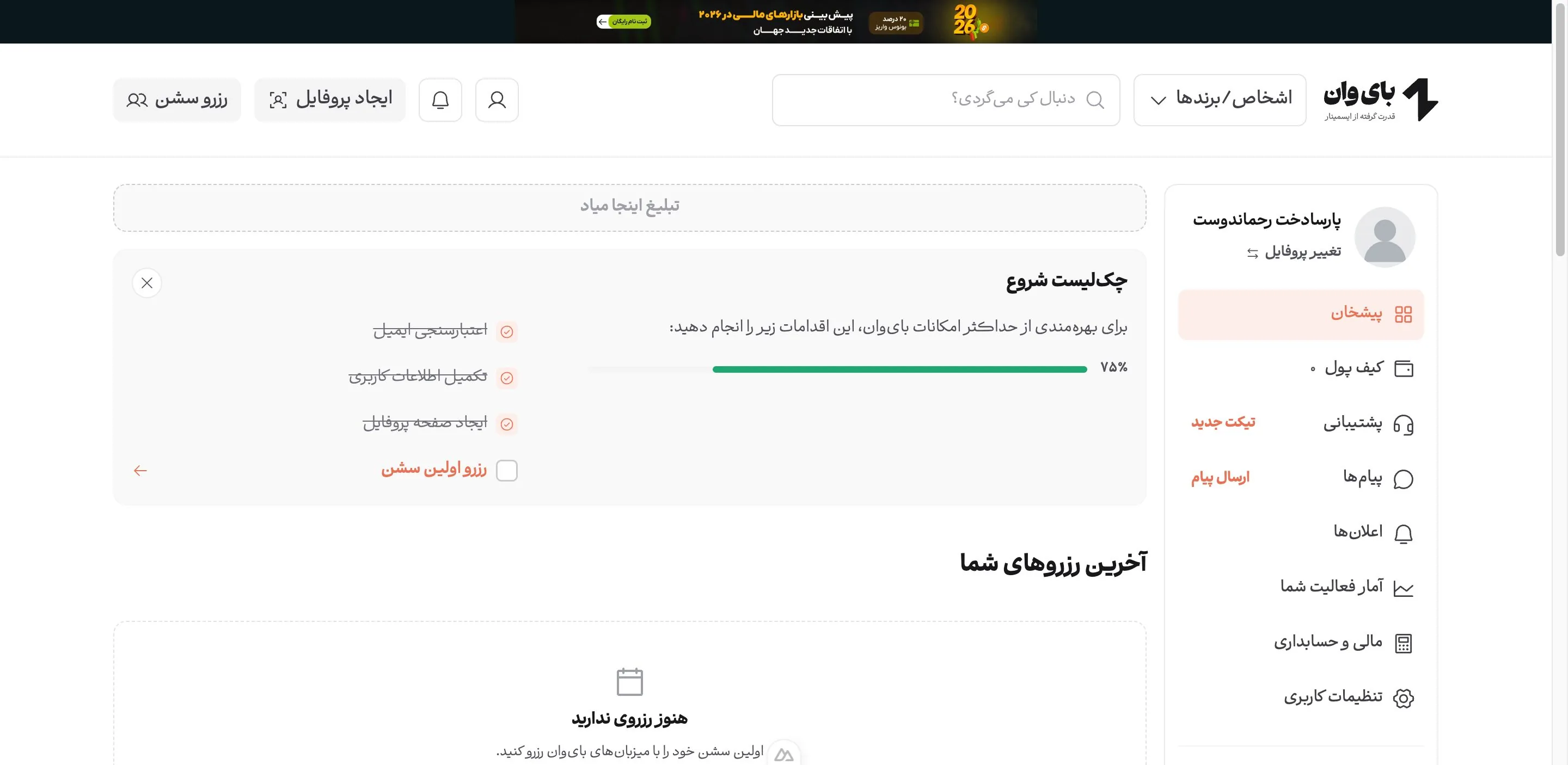
Join the meeting and manage it from your dashboard

At the session start time the video meeting link becomes available through your dashboard and notifications, and the meeting opens in a new tab. Once it ends you can rate and review the host.

The ByOne user dashboard
7

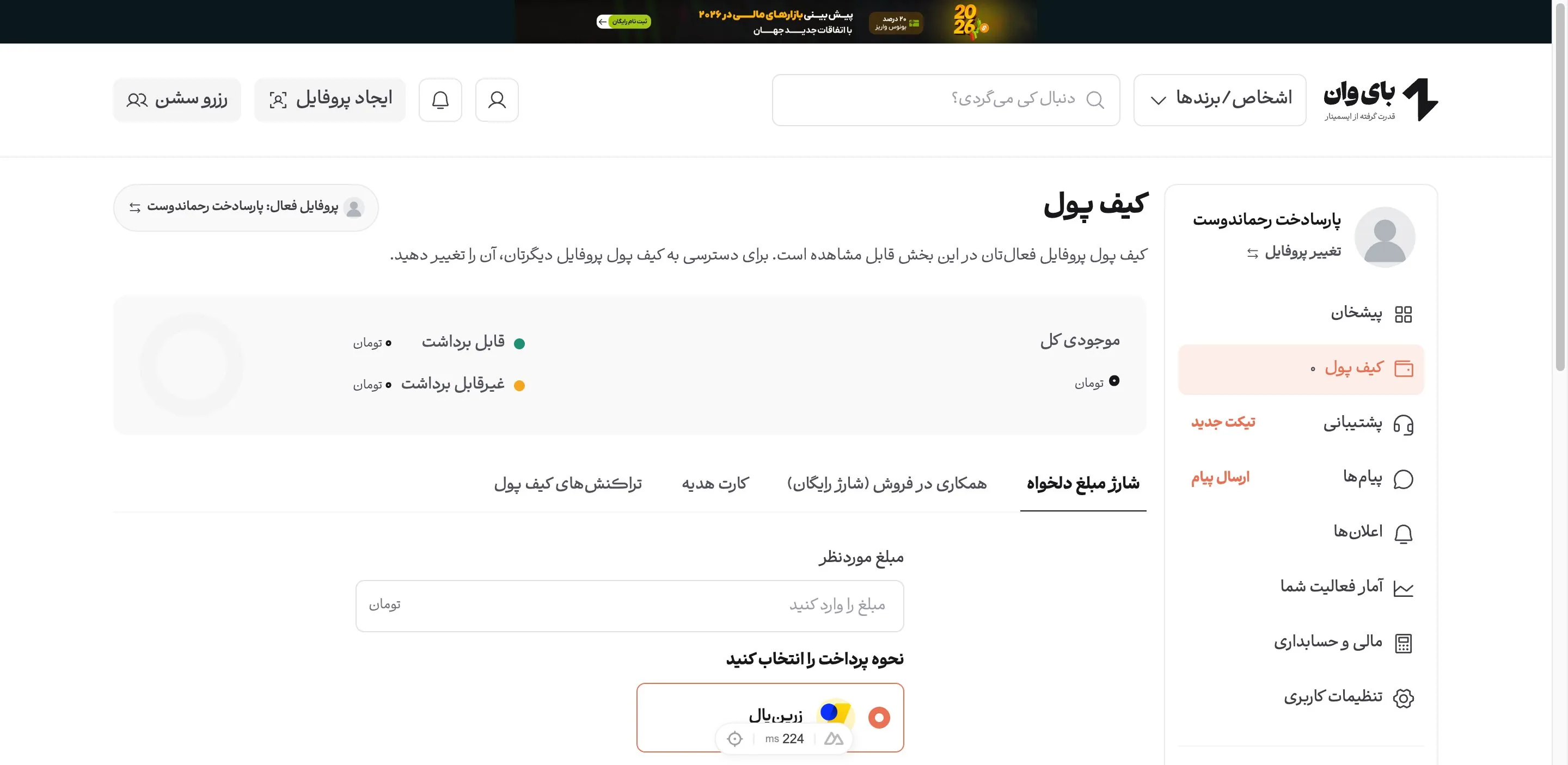
Wallet

The Wallet area lets you top up your balance, activate a gift card and earn credit by inviting friends. Paying for sessions from your wallet balance is faster.

The wallet page in the user panel

Still have a question?

Send a ticket from the Support area of your panel. The ByOne team answers every day between 10:00 and 22:00.

Send a ticket